Motion graphics
Turn a supplied message or data set into an animated graphic for a presentation, social post, or video. Share the source data, script, and brand assets with the intended placement.
- Price
- Custom quote
- Delivery
- 7 business days
- Revision rounds
- 2
- Aspect ratios
- 16:9
- 1:1
- Length
- 10–30 s
- 1:1
- 16:9
Examples

- 16:9
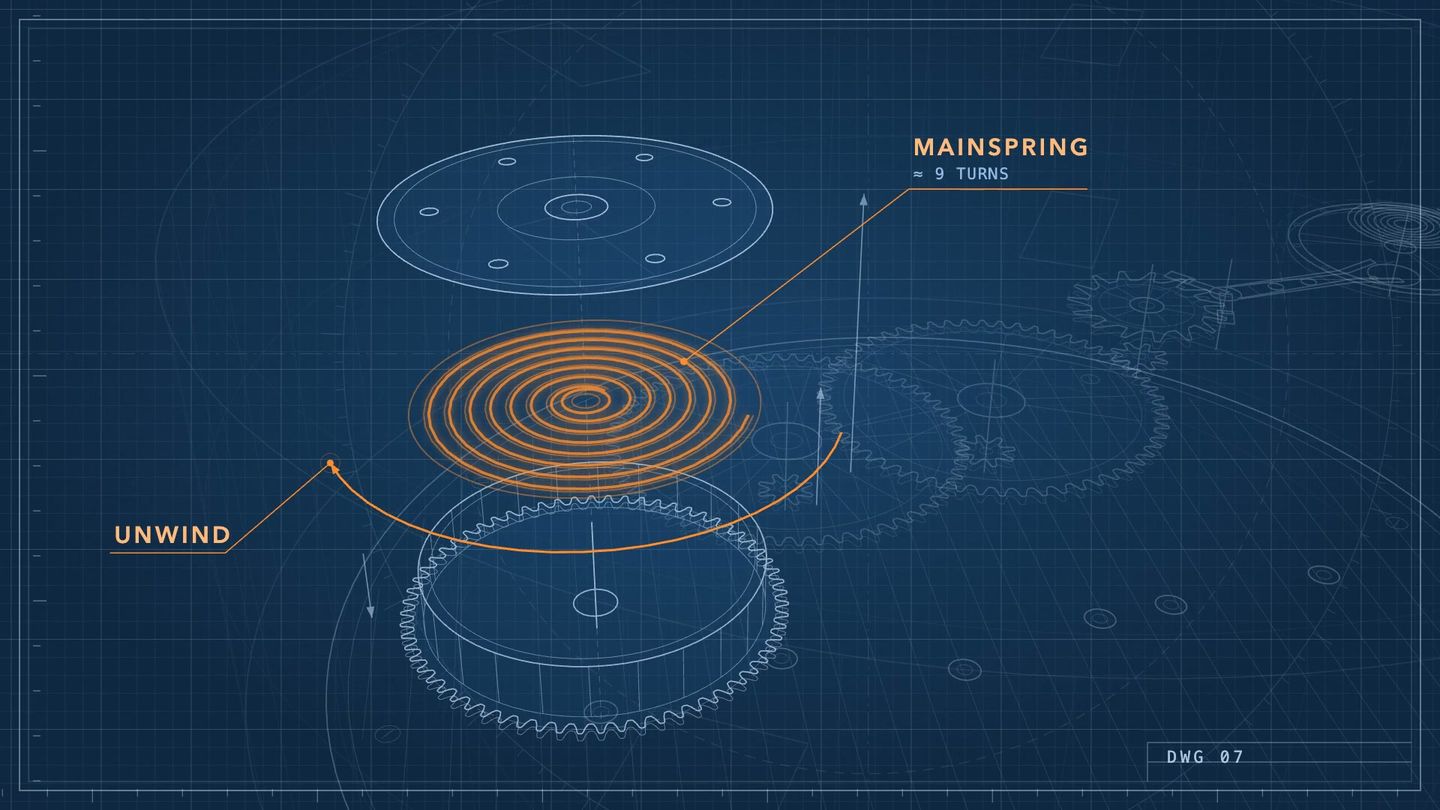
- 16:9

- 16:9

- 16:9

- 16:9

- 16:9
What you send
- Brand assets
- Script
- Source data
Formats
MP4 (H.264)
Shape the sequence
An animated infographic can introduce a figure, show how its parts relate, and finish with a takeaway. Supply the source and approved wording so the graphic represents the data accurately.
Set the frame
A 16:9 composition can sit inside a slide or video; a square version can be scoped for a social feed. The proposed format is an H.264 MP4, with a 10–30 second duration.
Review the information
Check labels, units, and visual hierarchy on the draft before approving the animation. Gather corrections into the two proposed revision rounds.
Questions
Can a motion graphic fit into an existing presentation?
Yes, provide the slide dimensions and the point where the animation will appear. Confirm whether your presentation software accepts an MP4.
What should accompany a chart?
Send the underlying numbers, units, source, and any required footnote. A screenshot alone may not show enough detail to reconstruct the graphic accurately.
Can you animate an existing illustration?
Share the editable artwork and identify any elements that must stay fixed. Layered files help establish which parts can move independently.